Googlebook expands to Samsung Galaxy devices with One UI 9 compatibility
What is Googlebook and why it matters
Googlebook is Google’s cross‑device platform that lets users continue apps, cast screens, and sync notifications between a phone and a computer. Launched with Pixel phones, the service promised a seamless experience for Android users who work across Windows or macOS laptops. Early reviewers praised the concept but noted a major limitation: only Pixel devices were supported, leaving the majority of Android owners out of the loop.
Samsung Galaxy support finally arrives
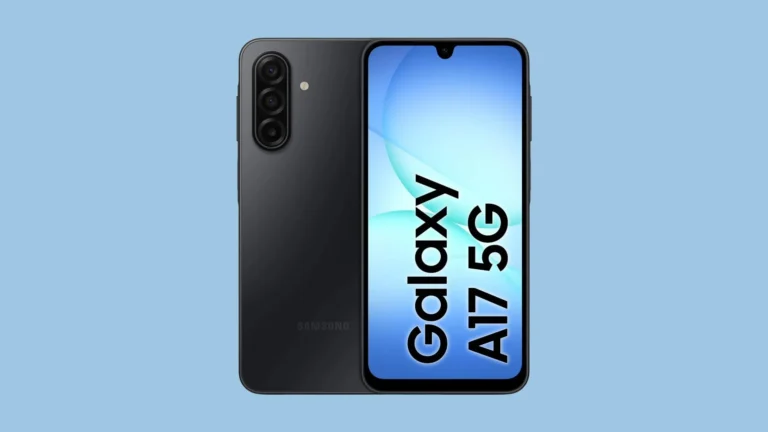
On 10 October, Android Community Engagement Manager Mishaal Rahman announced on Reddit that the so‑called Better Together features would roll out to all Galaxy phones running One UI 9 within a few days. The update targets devices such as Samsung Galaxy S26 Ultra, Samsung Galaxy Z Flip 8 and other models on Android 17. Users who installed the October security patch reported that Continue On, Cast My Apps, Quick Access and Notification Sync are now active on the S26 Ultra, while some Flip 8 owners still see the feature pending.
Step‑by‑step guide to enable Googlebook on Samsung devices
To make sure the integration works smoothly, follow these seven steps recommended by Rahman:
1. Verify that the phone is running Android 17, which corresponds to One UI 9 on Samsung devices.
2. Connect both the phone and the computer to the same private Wi‑Fi network.
3. Turn on Bluetooth on both devices.
4. Update Google Play Services to the latest version.
5. Update the Cross‑device services app from the Play Store.
6. Open Settings > Advanced features > Continue activity and enable all sub‑toggles.
7. Restart the phone and the computer to apply the changes.
After completing these steps, the Googlebook icon should appear in the quick settings panel, and the phone will be ready to share apps and notifications with a Windows laptop or a Mac.
What’s been fixed and what still needs work
Google has already addressed two of the most reported bugs. The setup flow for cross‑device services now requires fewer steps, and a QR‑code scanning issue that prevented some users from pairing devices has been resolved. Despite these improvements, the ecosystem of optimized apps remains limited. Only a handful of Google‑first apps such as Chrome, Docs and Maps fully support the Continue On feature, so the experience can feel fragmented compared with native Windows or macOS solutions.
Real‑world use cases for Samsung owners
Imagine working on a report in Google Docs on a Samsung Galaxy S26 Ultra while reviewing reference material on a Windows laptop. With Continue On, the document opens instantly on the PC, letting the user switch keyboards without losing context. Cast My Apps lets a user stream a game from the Galaxy Z Flip 8 to a large TV, and Notification Sync ensures that messages appear on both the phone and the computer, reducing the need to pick up the device every few minutes.
Looking ahead
For Samsung owners, the arrival of Googlebook support is a significant step toward a more unified Android experience. As more Samsung Galaxy models receive the One UI 9 update and Google expands its list of optimized applications, the service could become a viable alternative to traditional PC‑centric workflows. Until then, users should keep their devices updated, monitor the official Googlebook blog for new app announcements, and be prepared for occasional hiccups during the early rollout phase.
Future roadmap and expectations
Google has hinted at expanding the list of supported third‑party apps, adding deeper integration with productivity suites such as Microsoft Office and Adobe Creative Cloud. If those updates arrive before the end of 2026, Samsung Galaxy users could enjoy a truly cross‑platform workflow that rivals the continuity features found on Apple devices like the iPad Air M2 paired with a MacBook.