Samsung Galaxy S26 One UI 9.5 Beta Brings Major Features
Galaxy S26 Owners Can Now Test One UI 9.5 Beta
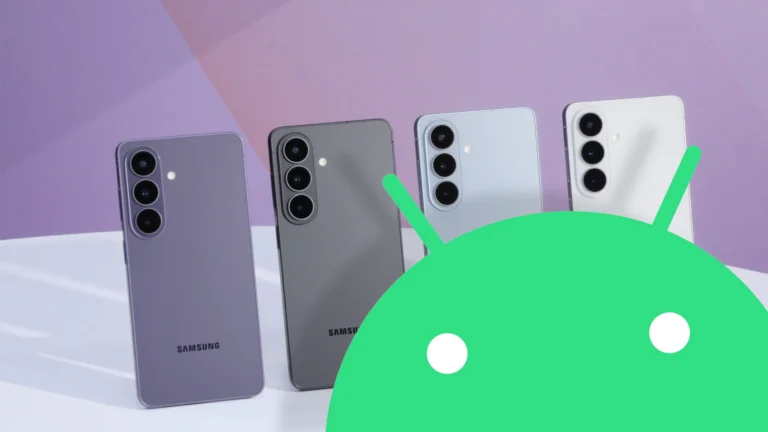
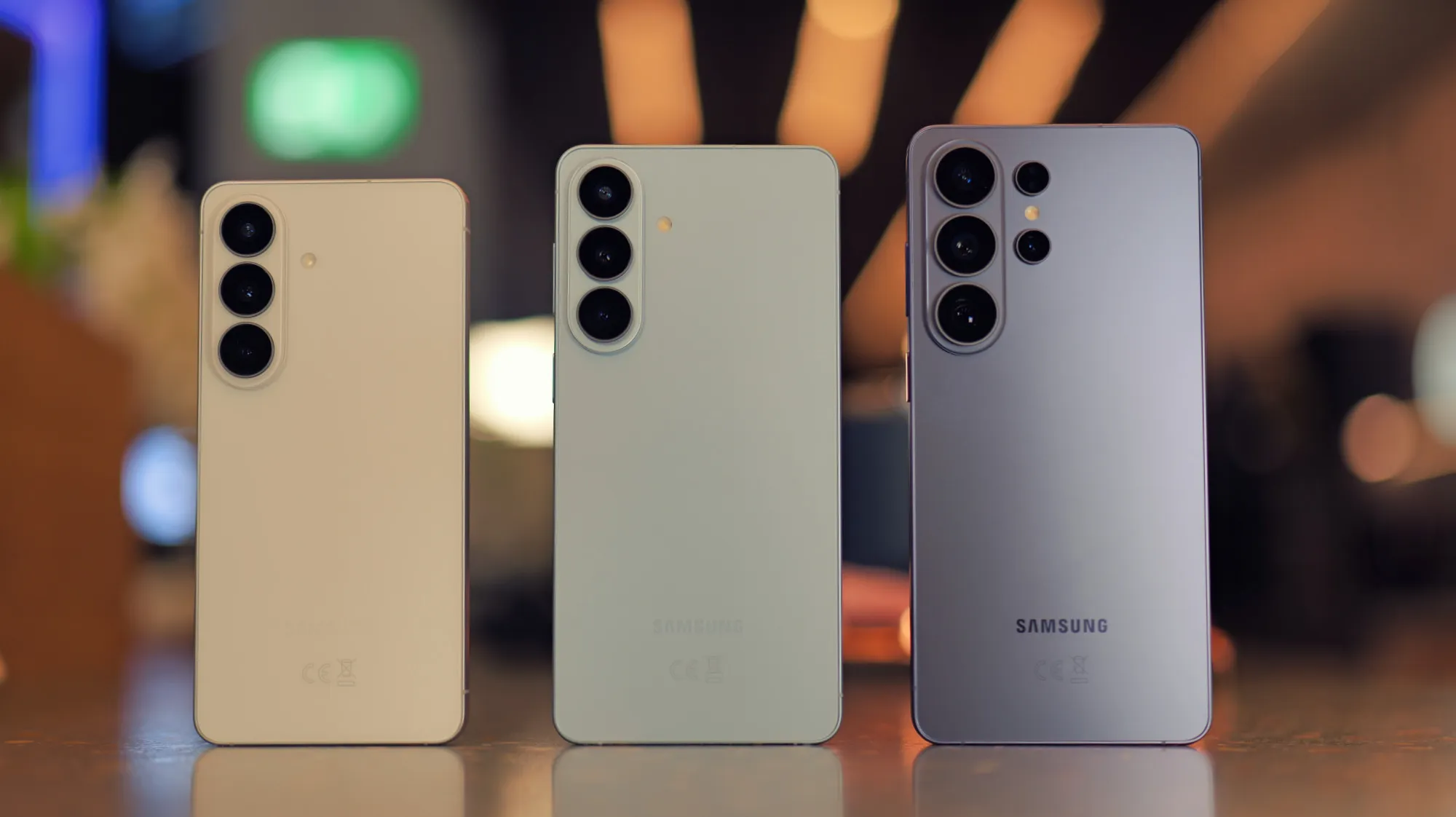
Samsung Galaxy S26, S26 Plus and S26 Ultra owners in the United Kingdom, United States, Germany, India, Korea and Poland can now download the One UI 9.5 beta. While the final release is expected to debut on the Galaxy S27 series early next year, current flagship owners do not need to wait. Notable leaker Tarun Vats on X and multiple Reddit reports have confirmed the rollout, though Samsung has yet to make an official announcement.
As with any beta software, some features may be incomplete and bugs are more likely. However, even the final November Pixel Drop demonstrated that stable releases are not immune from significant issues. For most enthusiasts, the One UI 9.5 beta is well worth the risk.
How to Join the Samsung Beta Program
To be eligible for the beta, you must first install the Samsung Members app on your phone. Within the app, look for the Beta Program banner or card and follow the on-screen prompts to register. Once signed up, installing the beta follows the same process as any other update. Head to Settings, then Software Update, then Download and Install. You may need to install any other outstanding updates before the beta appears.
If the One UI 9.5 beta is not available on your Samsung Galaxy S26 device yet, do not panic. The rollout may be gradual, so it is worth checking back again in a few days.
Why You Should Download One UI 9.5
We have already reported on some of the most exciting new features in One UI 9.5, including an agentic AI Galaxy Claw feature and Samsung version of the Pixel excellent Rambler voice-to-text tool. However, the full changelog, as reported by Ice Universe on X among others, reveals new features in nine other key areas.
Camera Improvements
The camera app receives a redesigned navigation experience along with improved shutter speed and frame rate controls. These changes should give Samsung Galaxy S26 Ultra photographers more creative control.
Lock Screen Enhancements
Dynamic live wallpaper effects, new clock display options and more Now Bar animations refresh the lock screen experience.
Digital Wellbeing Tools
An optional delay before opening distracting apps arrives as Samsung version of Google Pause Point feature.
App Locking and Privacy
Users can now lock apps using PIN, password, pattern or biometrics. The biometric setup process has been refined, and the Privacy Display on the Samsung Galaxy S26 Ultra now supports individual albums in Gallery and notes within Samsung Notes.
File Preview and Samsung DeX
Microsoft Office files can now be previewed directly in the My Files app. Samsung DeX sees maximised windows take up more space, with refined status bar and taskbar layouts.
Samsung Health Upgrades
Sleep coaching improvements, mood tracking and journalling features, improved medication management and customisable cards in the Health app make this a substantial wellness update.
Accessibility Improvements
A new shortcut for quick access to accessibility features and more intuitive hearing aid controls round out the accessibility enhancements.
Miscellaneous Additions
A faster search function within Settings and the return of old Over the Horizon wallpapers available to download complete the changelog.
Availability Beyond the Galaxy S26 Series
While compatibility is currently limited to the Samsung Galaxy S26 series, the One UI 9.5 beta is likely to expand to other Samsung Galaxy phones soon. Owners of the Galaxy Z Fold 6, Galaxy Z Flip 6 and recent Galaxy A series devices should keep an eye on the Samsung Members app for future announcements.